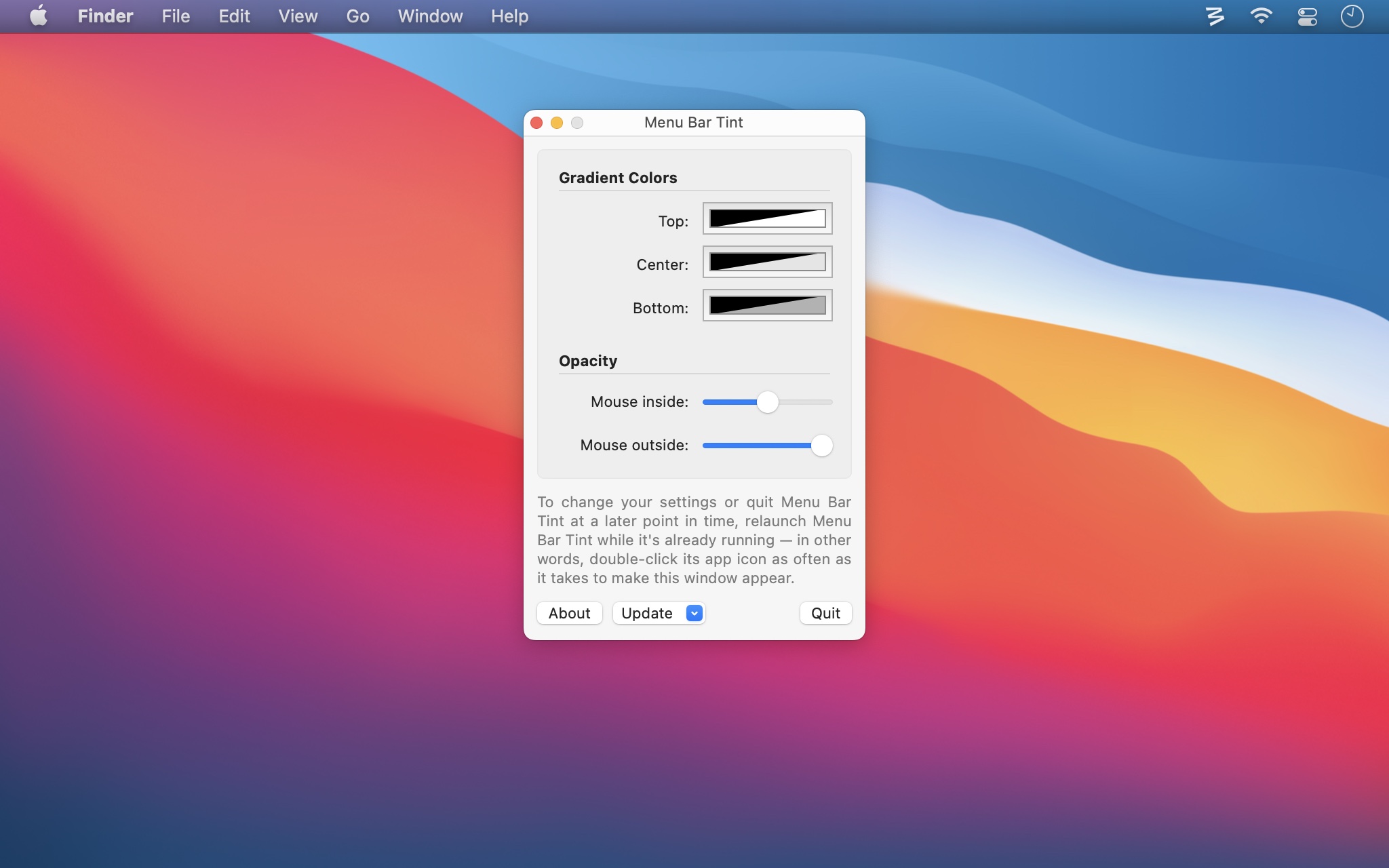
This little freebie app is for those who would like to add some tinting to their menu bar, perhaps different tinting than that provided by the desktop image visible behind the menu bar.
You can disable the translucent menu bar in macOS by checking the Reduce transparency checkbox in System Preferences → Accessibility → Display. Note that this affects many other elements of the user interface as well. And yes, you can still use Menu Bar Tint even if you have a non-translucent menu bar. In fact, that's what it was originally designed to work on.
Menu Bar Tint lets you set colors and translucency for three sections of the menu bar, and you can have the menu bar's tint level change when your mouse hovers over it—even making it vanish on hover. With its default settings, Menu Bar Tint simply darkens the menu bar. But as you can see in the rightmost image, you can customize it with any color scheme you can dream up…
 |
||
| macOS Default | Menu Bar Tinted | Customized |
If you wish to run Menu Bar Tint all the time, you'll need to manually add it to your user's login items.
 Many Tricks